 Our first app, Migrato, is live on the Shopify App Store

Payouts Export
 2 min read
 Updated 14 October 2026
 Applies to Migrato on all plans
Template Documentation
Every column in the Payouts template, what it holds and the values it accepts. 2 min read
Updated 14 October 2026
Applies to Migrato on all plans
Payout Template Documentation
Migrato uses a structured template for importing and exporting Shopify Payout data.
The template defines the columns that can be used to transfer supported Payout information between Migrato and Shopify.
You can use the template to:
-
 Prepare Payout data for import.
-
Understand exported Payout data.
-
Modify supported Payout data before re-importing.
-
Migrate Payout information.
-
Maintain a consistent Payout data structure.
-
Review transaction-level information included in exports.
★
Before preparing your file
Download the available Payout Demo CSV/XLSX file or export a sample Payout file from Migrato to understand the current template structure.
Payout Template Structure
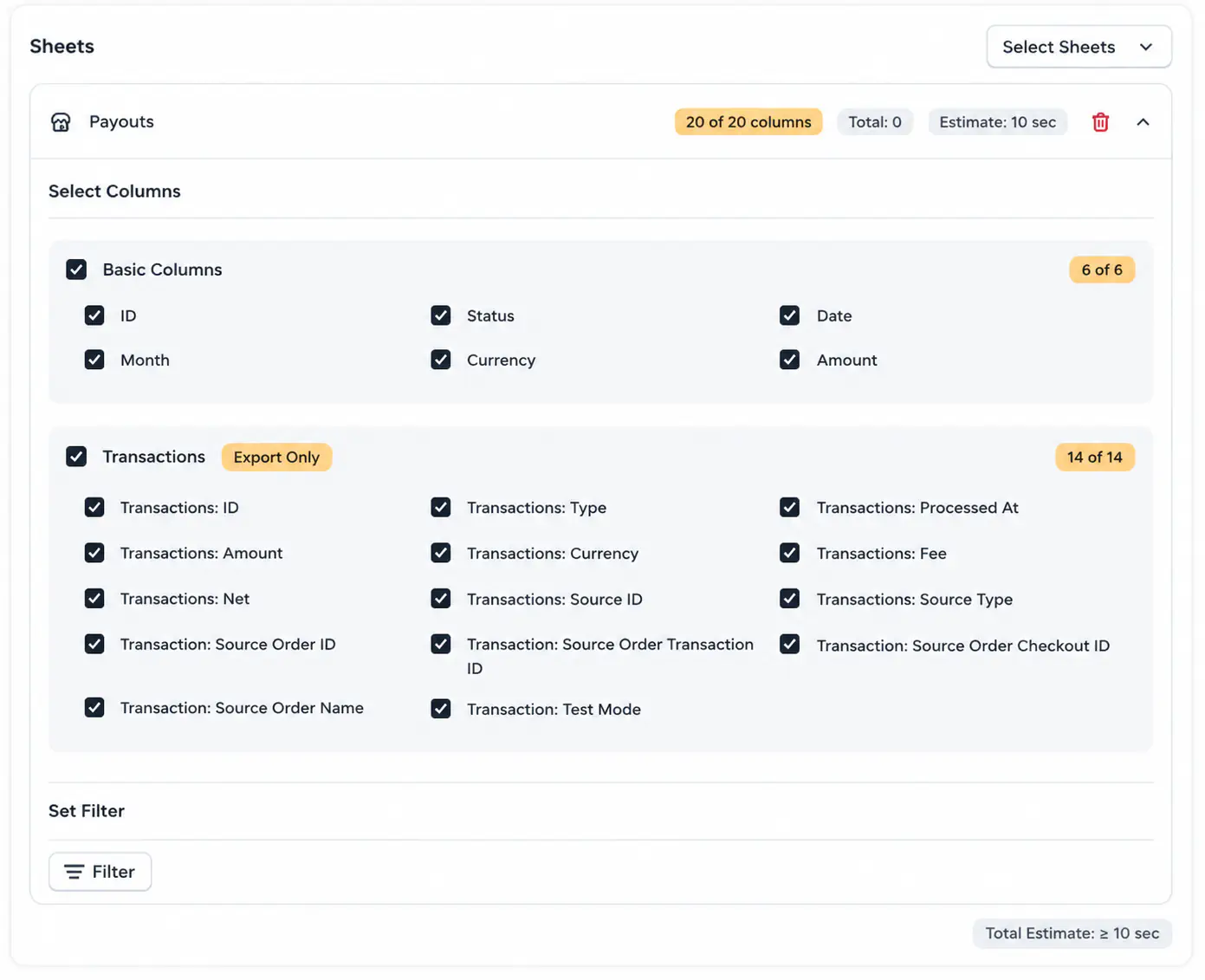
The Payout template contains 20 supported columns divided into two groups.
1. Basic Columns
The Basic Columns group contains the primary information associated with each payout.
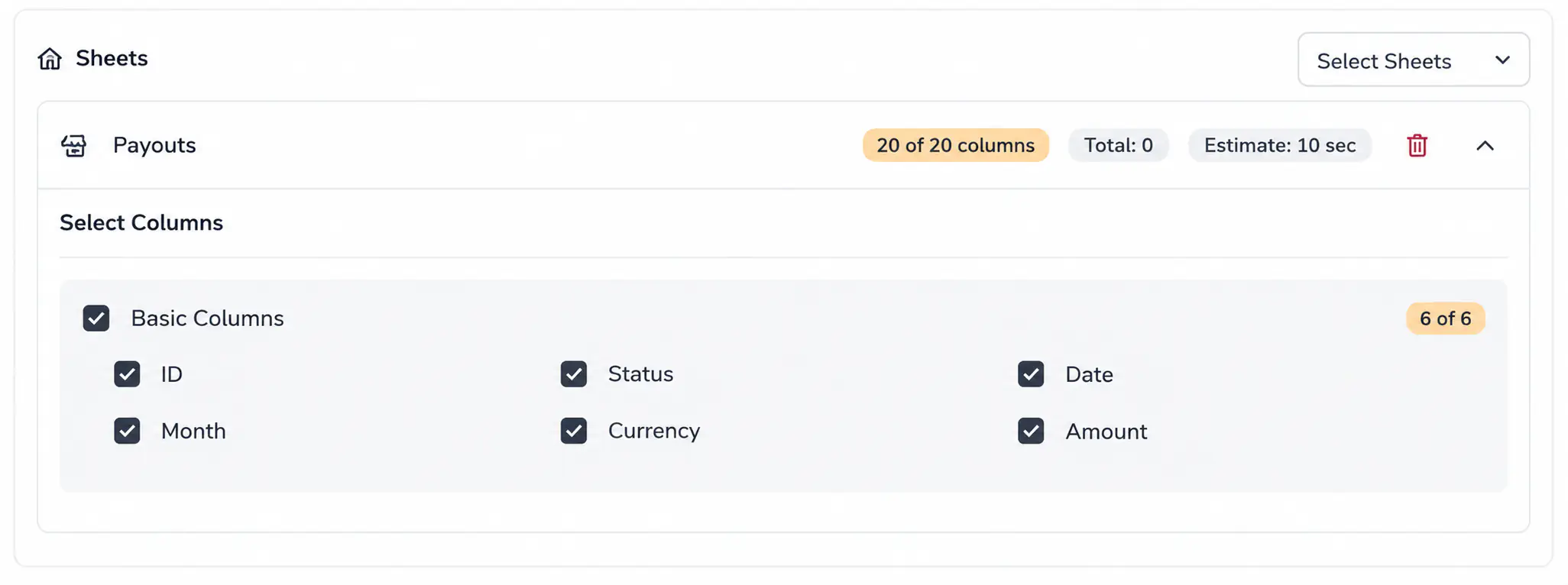
| Column | Description | Allowed Values / Examples |
|---|---|---|
| ID | Unique identifier of the payout. | Number / Shopify Payout ID |
| Status | Current status of the payout. | Supported payout status |
| Date | Date associated with the payout. | Date |
| Month | Month associated with the payout. | Month / 2026-08 |
| Currency | Currency used for the payout. | USD, EUR, GBP |
| Amount | Amount associated with the payout. | Decimal number |
2. Transactions
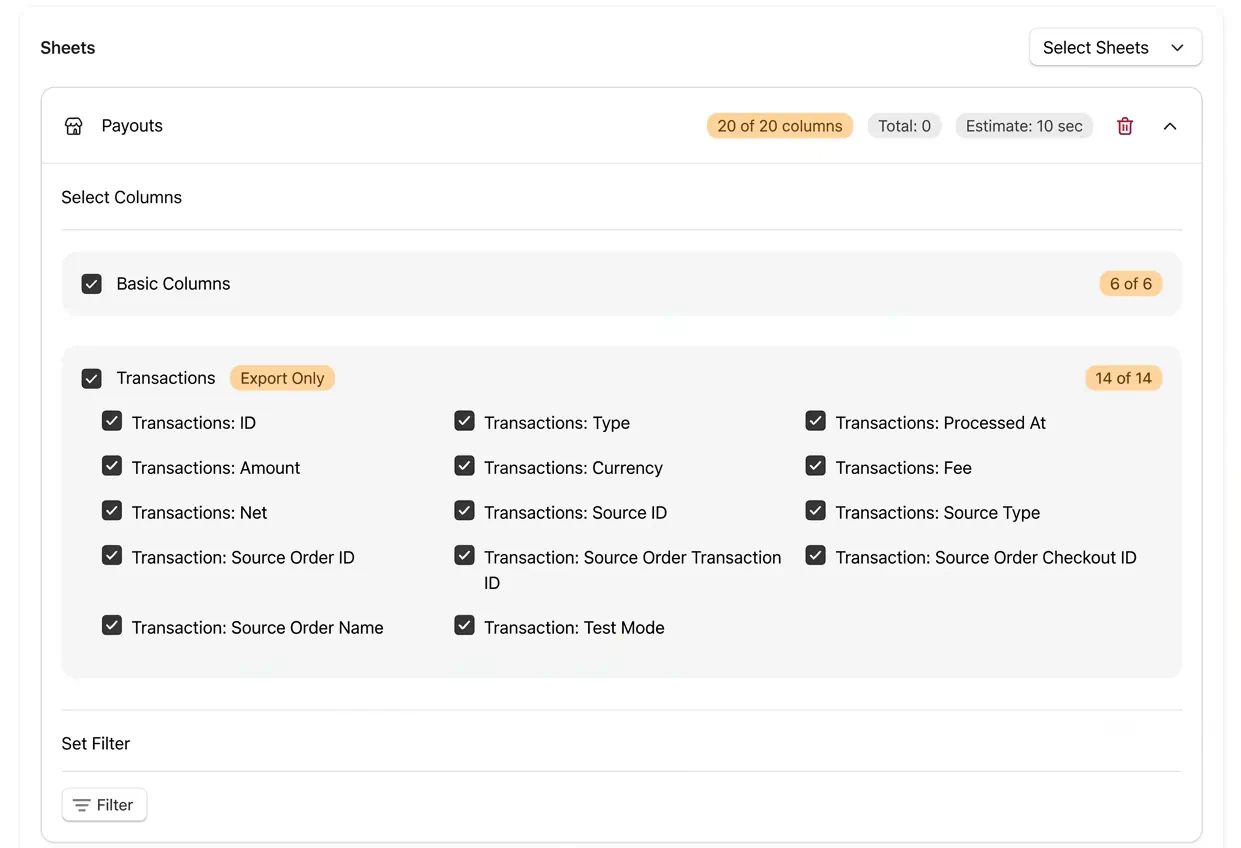
The Transactions group contains transaction details associated with the payout.
| Column | Description | Allowed Values / Examples |
|---|---|---|
| Transactions: ID | Unique identifier of the transaction. | Shopify Transaction ID |
| Transactions: Type | Type of transaction. | Supported transaction type |
| Transactions: Processed At | Date and time when the transaction was processed. | Date/time |
| Transactions: Amount | Transaction amount. | Decimal number |
| Transactions: Currency | Currency of the transaction. | Currency code |
| Transactions: Fee | Fee associated with the transaction. | Decimal number |
| Transactions: Net | Net transaction amount after applicable fees. | Decimal number |
| Transactions: Source ID | Identifier of the transaction source. | Shopify resource ID |
| Transactions: Source Type | Type of the transaction source. | Supported source type |
| Transaction: Source Order ID | ID of the order associated with the transaction. | Shopify Order ID |
| Transaction: Source Order Transaction ID | Order transaction identifier associated with the source. | Shopify Order Transaction ID |
| Transaction: Source Order Checkout ID | Checkout identifier associated with the source order. | Shopify Checkout ID |
| Transaction: Source Order Name | Name or number of the source order. | #1001 |
| Transaction: Test Mode | Indicates whether the transaction was processed in test mode. | Yes / No |
i
Note
The Transactions group is marked as Export Only in the Payout template.
 Free plan forever