 Our first app, Migrato, is live on the Shopify App Store

Activity Export
 2 min read
 Updated 14 October 2026
 Applies to Migrato on all plans
Template Documentation
Every column in the Activity template, what it holds and the values it accepts. 2 min read
Updated 14 October 2026
Applies to Migrato on all plans
Activity Template Documentation
Migrato uses a structured template for importing and exporting Shopify Activity data.
The template defines the columns that can be used to transfer Activity information between Migrato and Shopify.
You can use the template to:
-
 Prepare Activity data for import.
-
Understand exported Activity data.
-
Modify supported Activity data before re-importing.
-
Migrate Activity information.
-
Maintain a consistent Activity data structure.
★
Before preparing your file
Download the available Activity Demo CSV/XLSX file or export a sample Activity file from Migrato to understand the current template structure.
Activity Template Structure
The Activity template contains 10 supported columns.
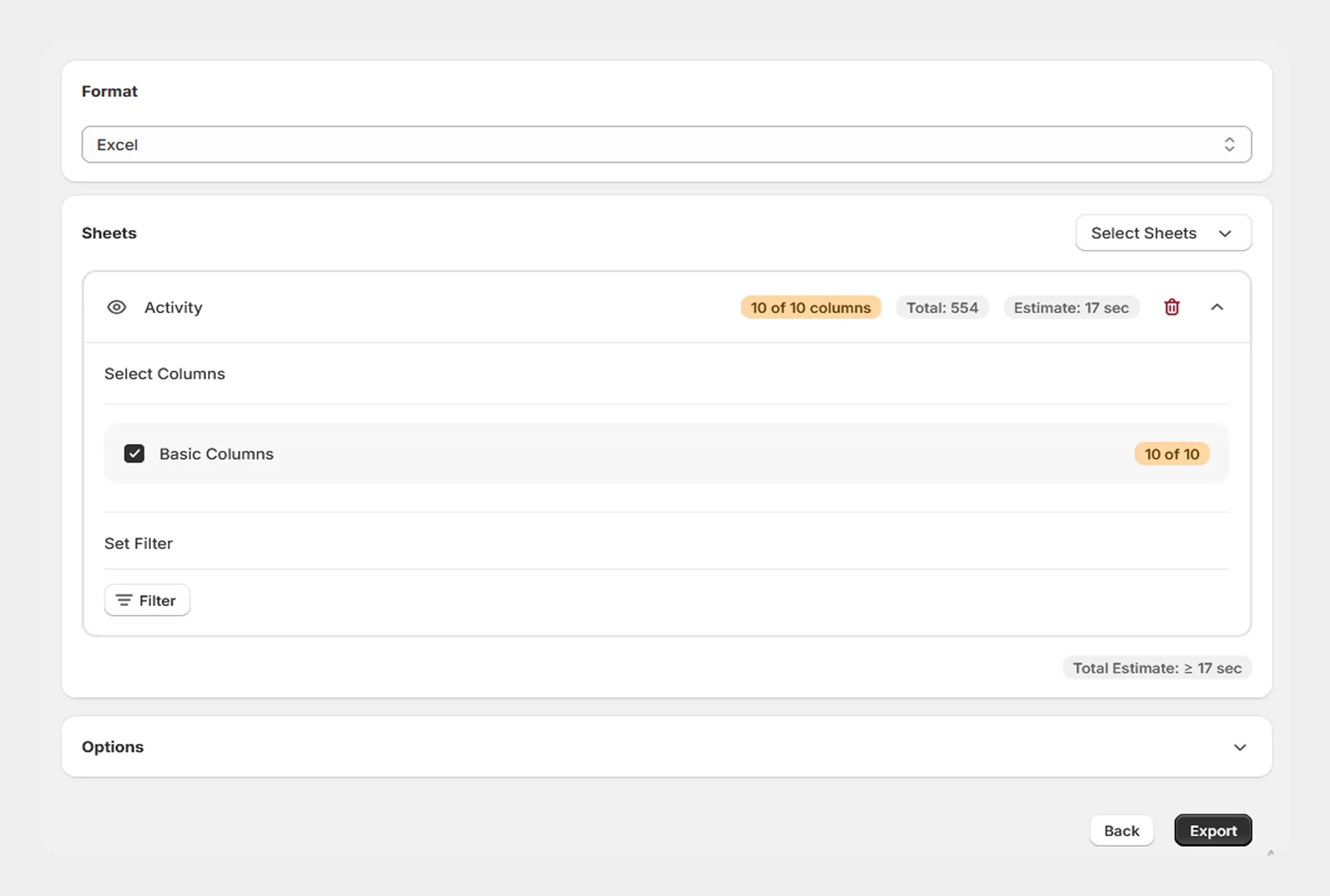
Basic Columns
| Column | Description | Allowed Values / Examples |
|---|---|---|
| ID | Unique identifier of the Activity record. | Number / Shopify Activity ID |
| Message | Message associated with the Activity record. | Text |
| Created At | Date and time when the Activity record was created. | Date/time |
| Subject ID | Identifier of the resource associated with the Activity. | Shopify resource ID |
| Subject Type | Type of resource associated with the Activity. | Supported subject type |
| Verb | Action or event represented by the Activity. | Supported activity verb |
| Author | Author associated with the Activity record. | Text |
| Arguments | Additional arguments or data associated with the Activity. | Text / structured data |
| Path | Path associated with the Activity record. | Text / path |
| Body | Body or additional content associated with the Activity record. | Text |
★
Tip
For the safest workflow, use a Migrato-generated Activity export as a reference when preparing data for a subsequent import.
 Free plan forever