 Our first app, Migrato, is live on the Shopify App Store

Filter Payouts
Export only the payouts you need, using filters and conditions. 3 min read
 Updated 14 October 2026
 Applies to Migrato on all plans
Migrato allows you to export specific Shopify Payout records by applying filters before starting an export.
This is useful when you only need payouts from a particular date or reporting period instead of exporting the complete payout dataset.
The available Payout filter is:
-
 Date
How to Filter Payouts for Export
Follow these steps to export Payout records based on a specific date condition.
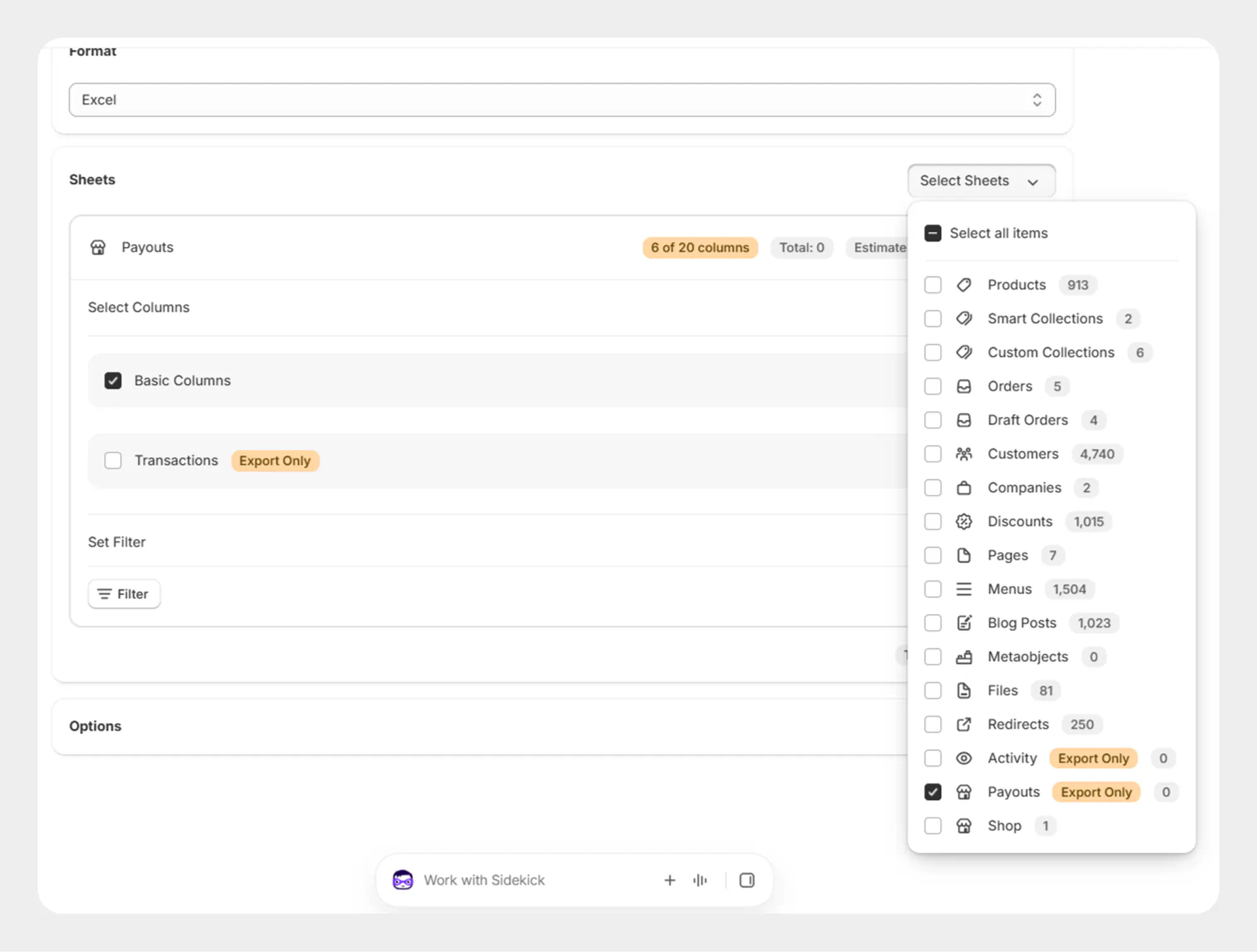
Step 1: Open Payout Export
- Open Shopify Admin.
- Go to Apps → Migrato.
- Open the Export section.
- Select Payouts as the entity to export.
Step 2: Select Payout Fields
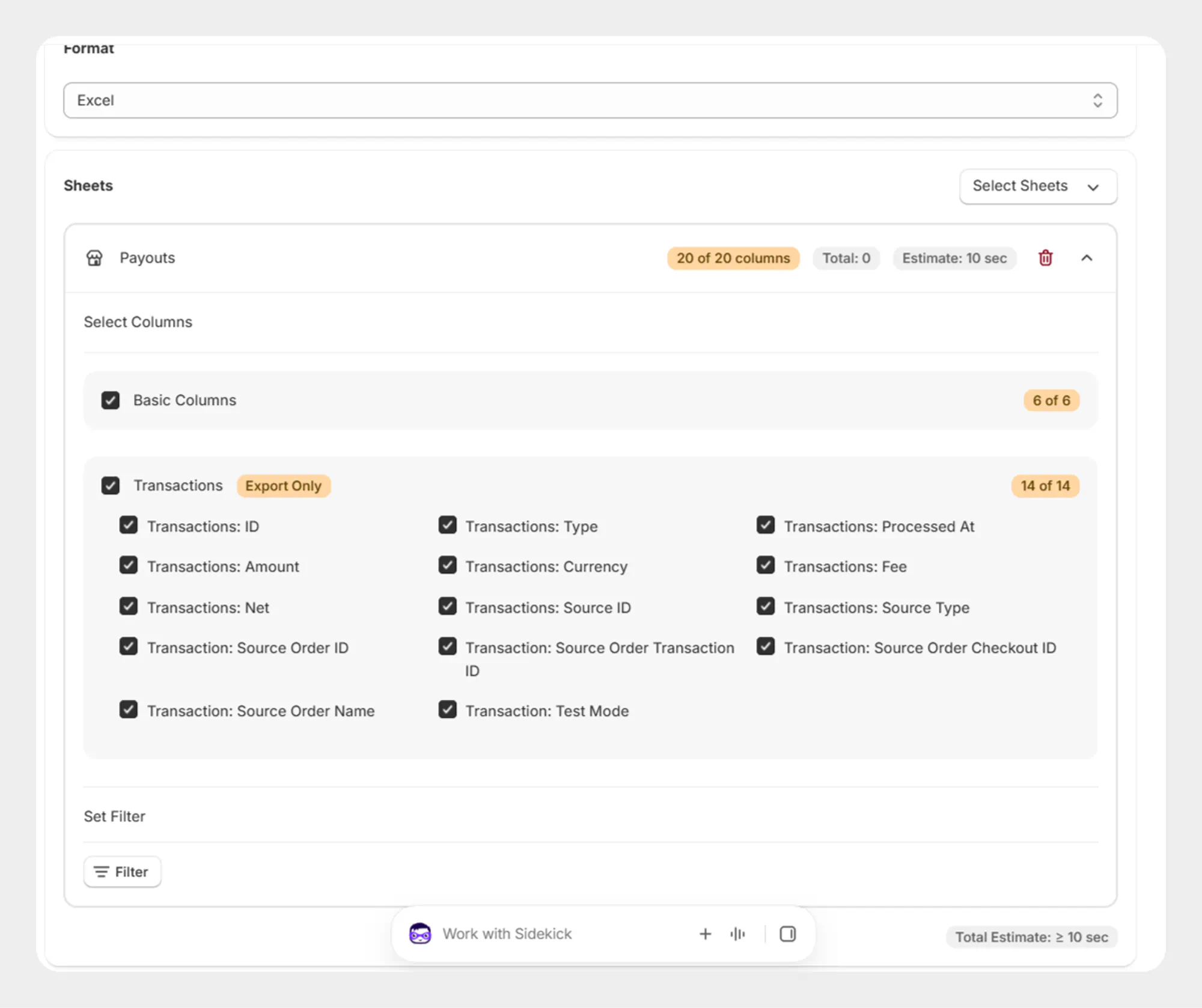
Select the Payout fields and transaction information you want to include in the export file.
Step 3: Add a Payout Filter
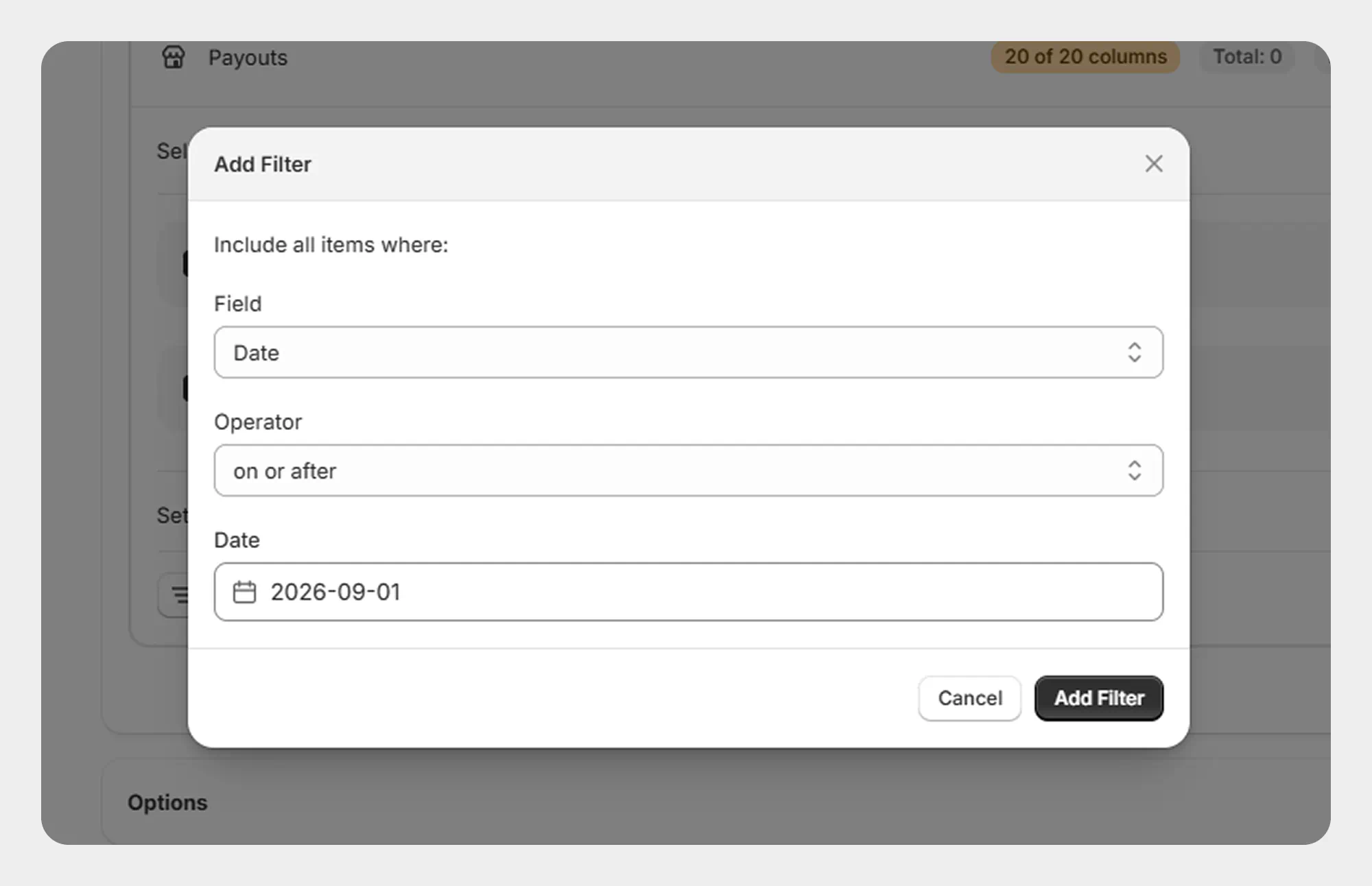
Open the Filters section and add a filter.
- Select Date.
- Select the required date condition.
- Enter or select the required date or date range.
- Review the selected filter.
Step 4: Review the Filter
Review the selected date condition before starting the export.
For example, you can export payouts:
-
On or after a specific date.
-
On or before a specific date.
-
Within a selected date range.
-
Within a relative date period, where supported.
Step 5: Start the Export
Once the filter has been configured:
- Review the selected fields.
- Review the date filter.
- Confirm the export settings.
- Start the export.
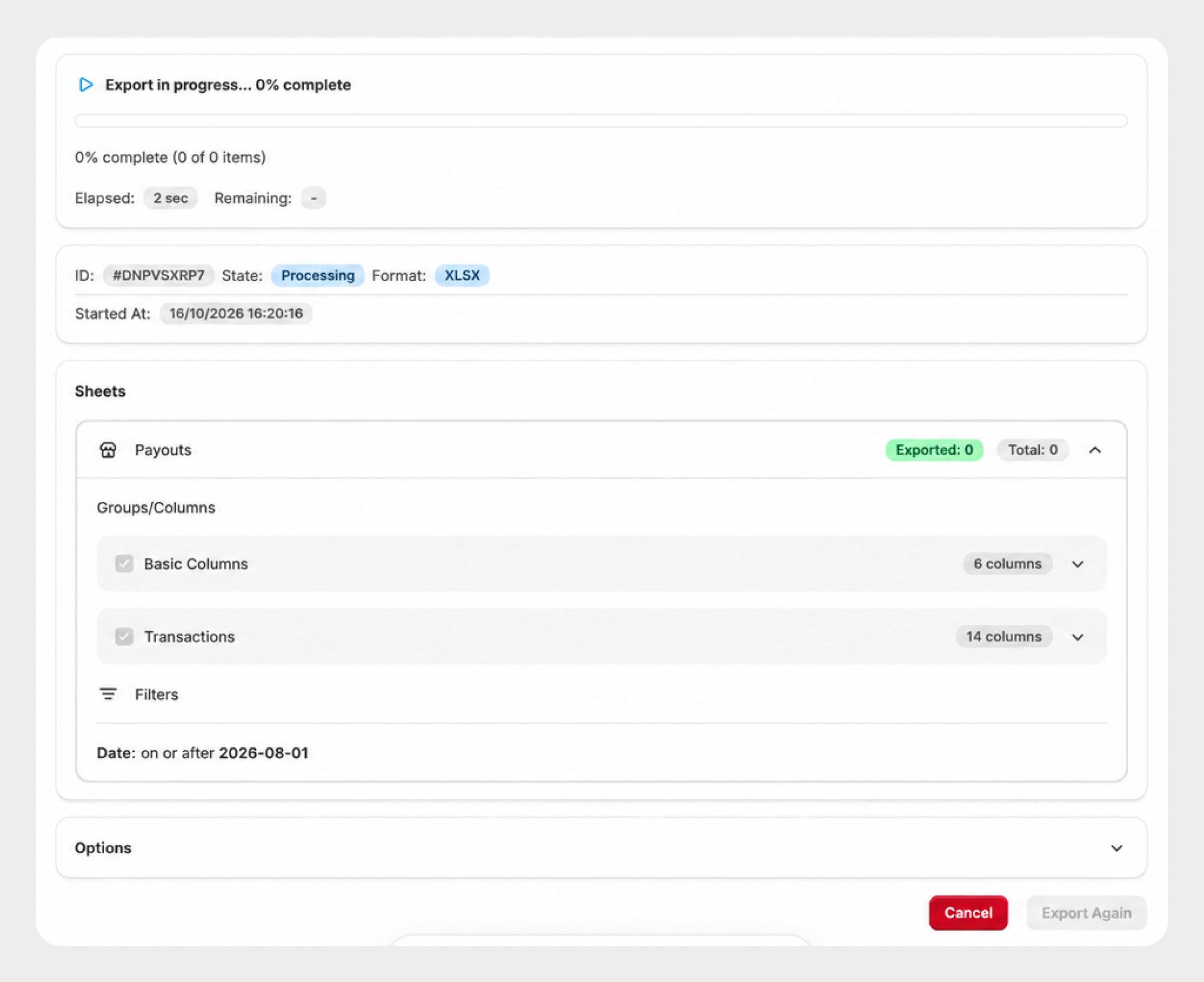
Migrato will process the export based on the selected Payout filter.
Available Payout Filters
Migrato currently provides the following field in the Payout Filter dropdown.
| Filter | Description | Available Conditions |
|---|---|---|
| Date | Filter payouts based on the date associated with the payout. | On or after; On or before; Date range; Relative date |
Filter Conditions
Date-Based Conditions
| Condition | Description |
|---|---|
| On or after | Exports payouts dated on or after the selected date. |
| On or before | Exports payouts dated on or before the selected date. |
| Date range | Exports payouts whose date falls within the selected date range. |
| Relative date | Exports payouts based on a relative time period, such as the last few days, weeks, or months. |
Payout Filter Examples
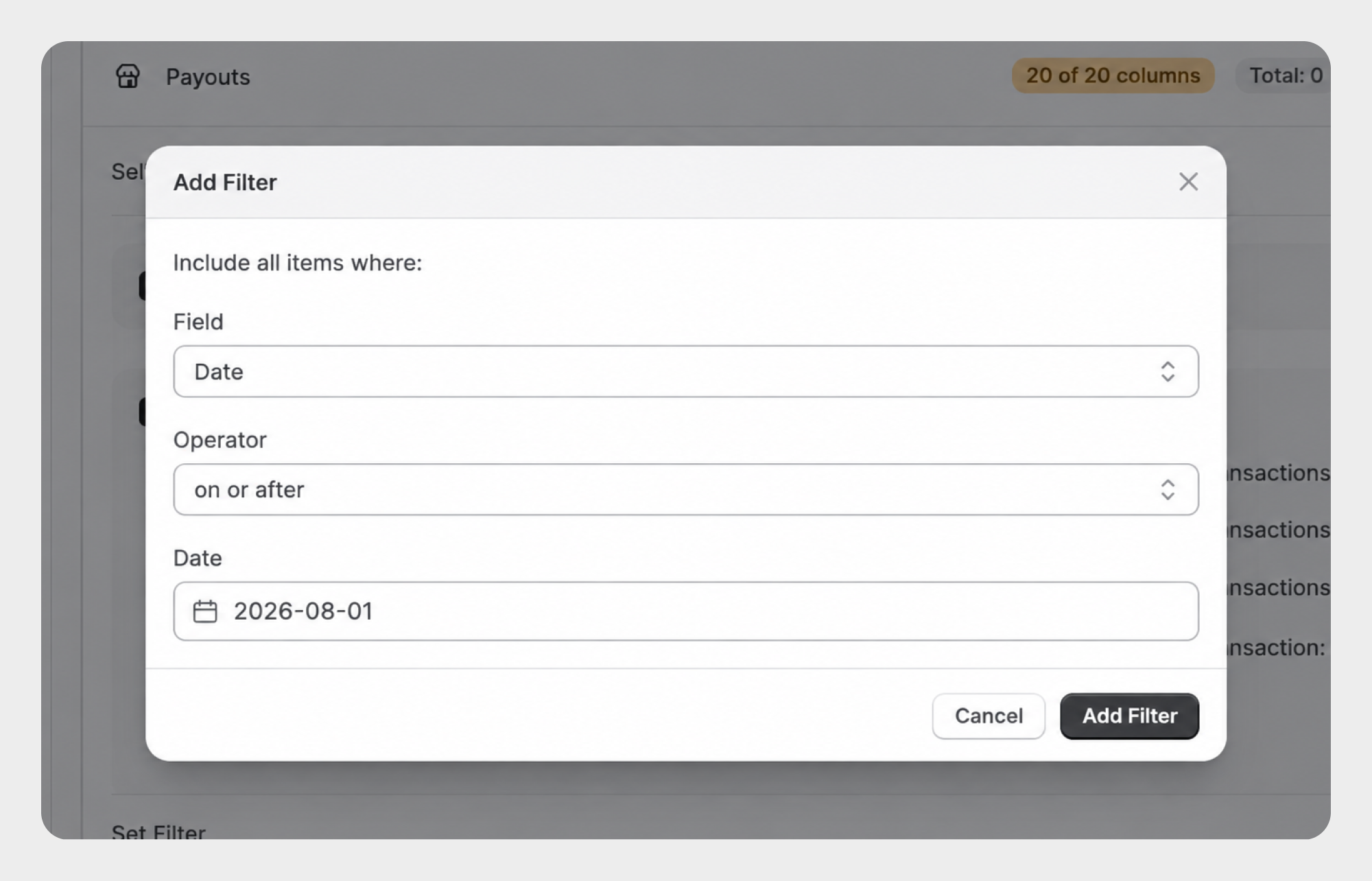
Example 1: Export Payouts On or After a Specific Date
To export payouts from a specific date onward:
Date → On or after
For example:
August 1, 2026
Migrato will export payouts dated on or after the selected date.
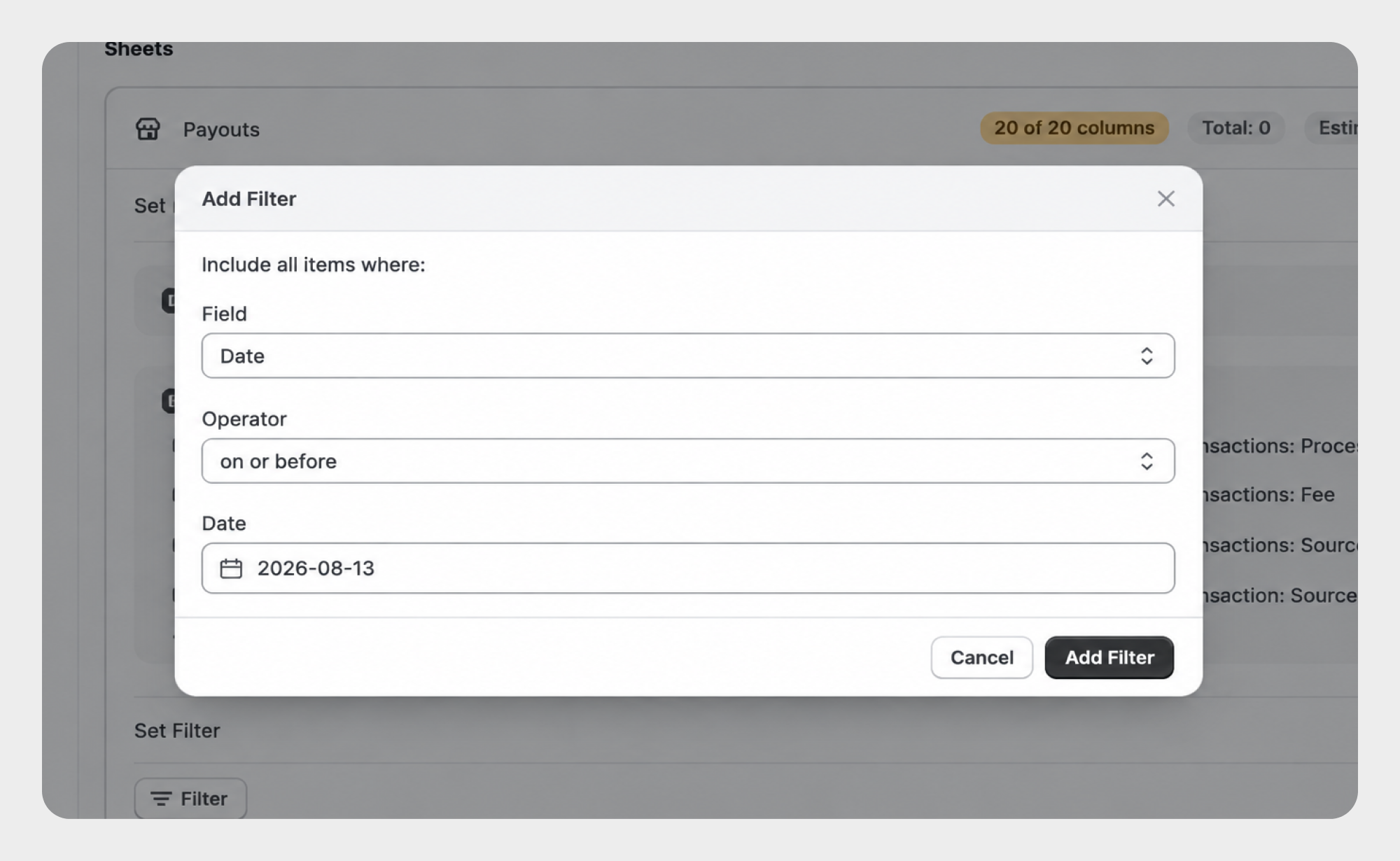
Example 2: Export Payouts On or Before a Specific Date
To export payouts up to a specific date:
Date → On or before
For example:
August 13, 2026
Migrato will export payouts dated on or before the selected date.
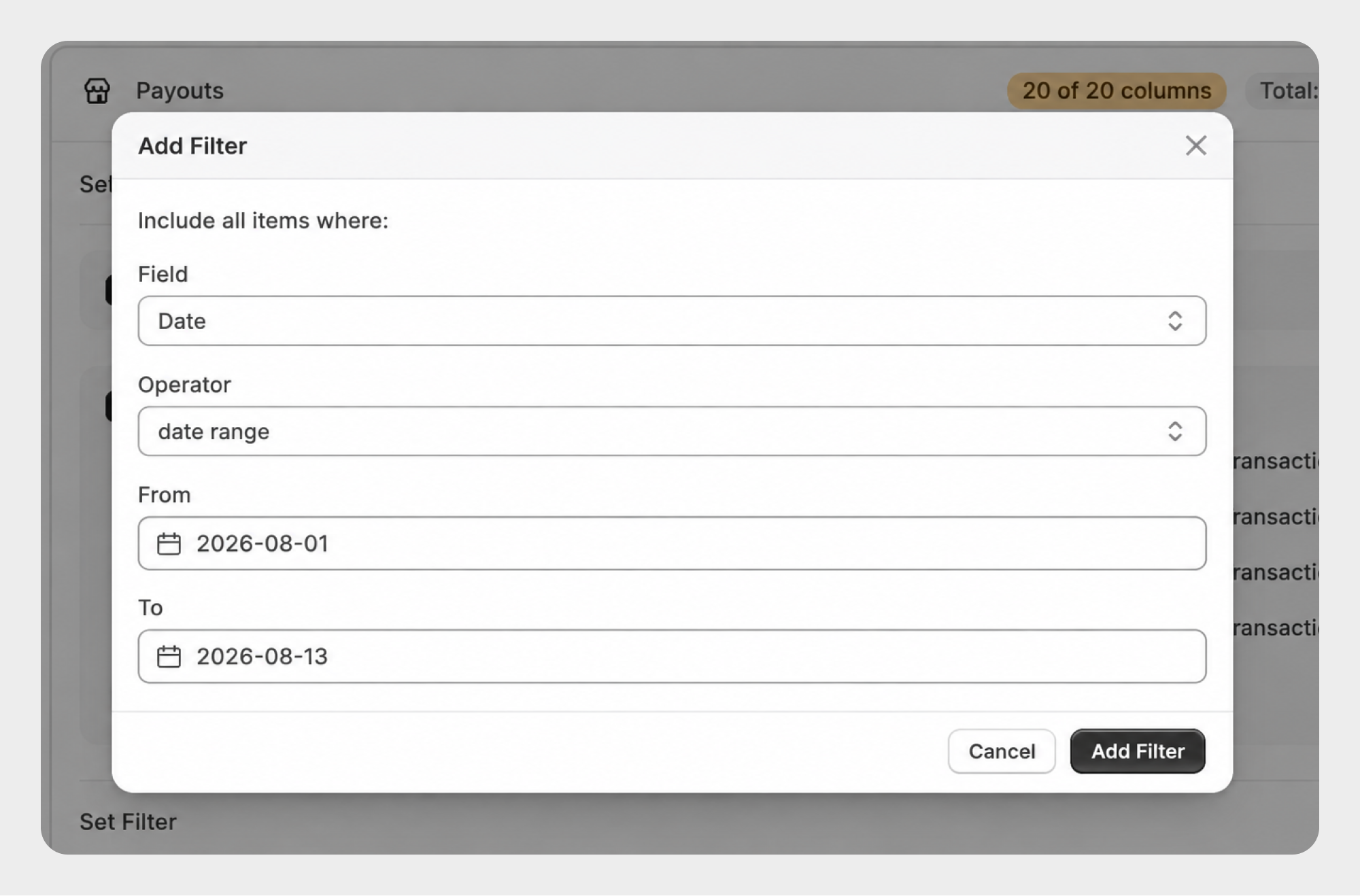
Example 3: Export Payouts Within a Date Range
To export payouts from a specific period:
Date → Date range
For example:
August 1, 2026 → August 13, 2026
Migrato will export payouts whose dates fall within the selected range.
Using Payout Filters
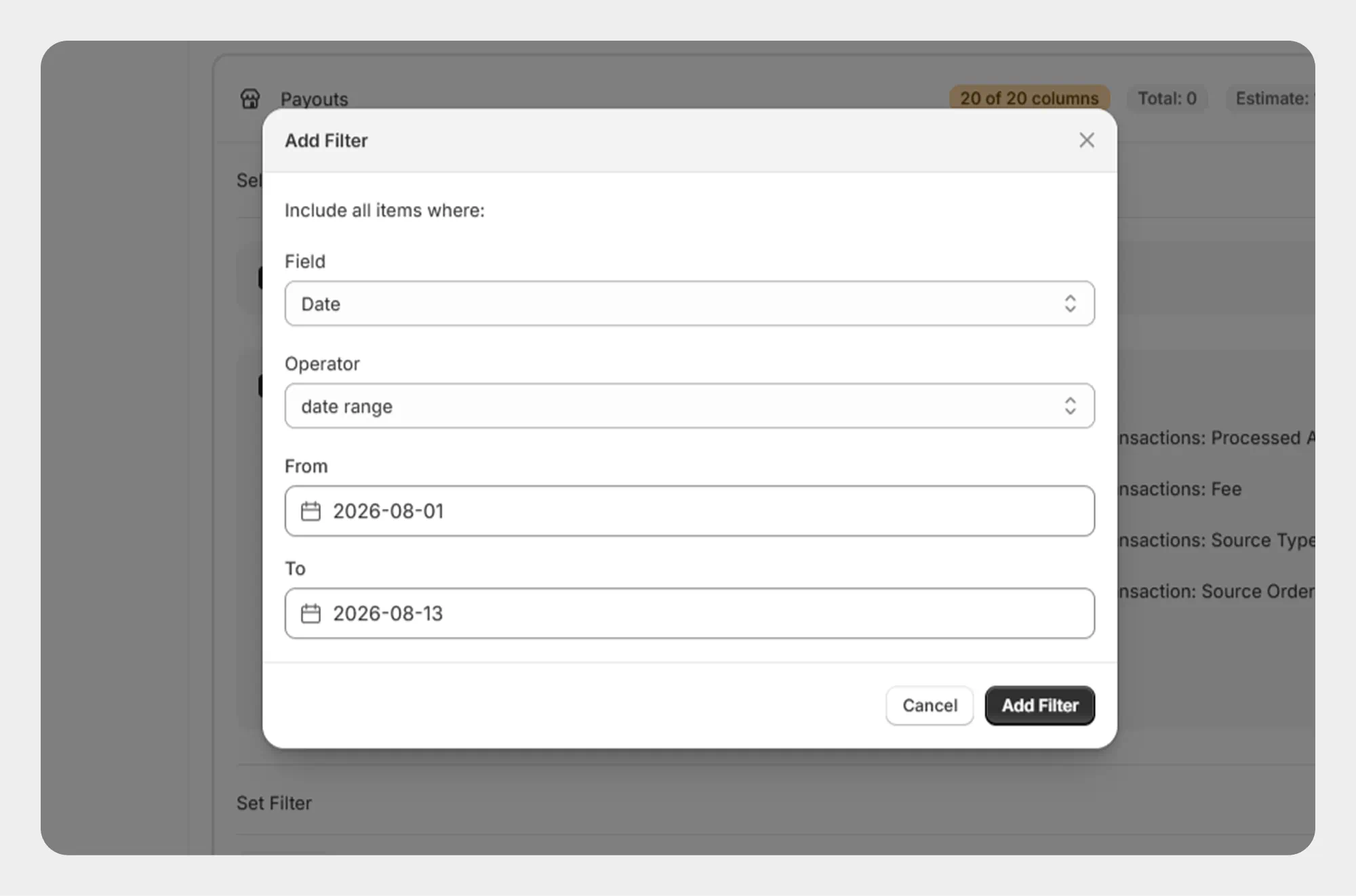
Since the current Payout filter list contains only the Date field, filtering can be used to narrow the export to a specific payout period.
For example:
Date → Date range → August 1, 2026 to August 13, 2026
This allows you to generate an export containing payouts from the selected period without exporting the complete payout dataset.
Review the selected date condition carefully before starting the export to ensure that the resulting payout dataset covers the required reporting period.
 Free plan forever